Blog

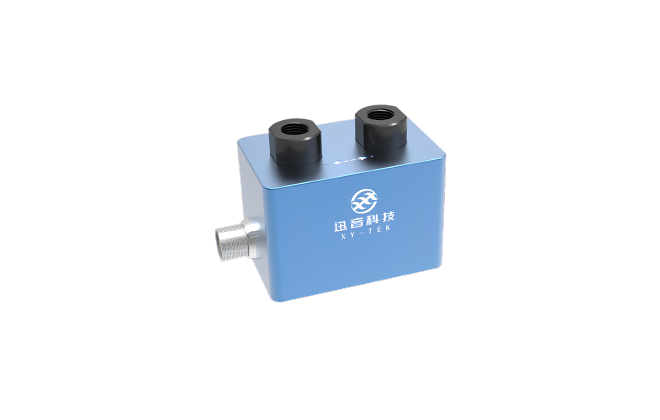
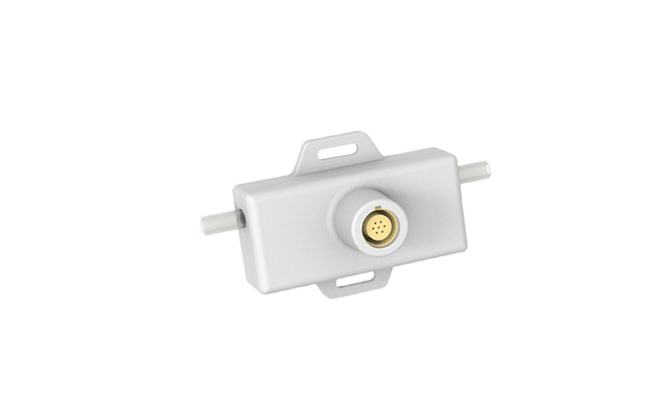
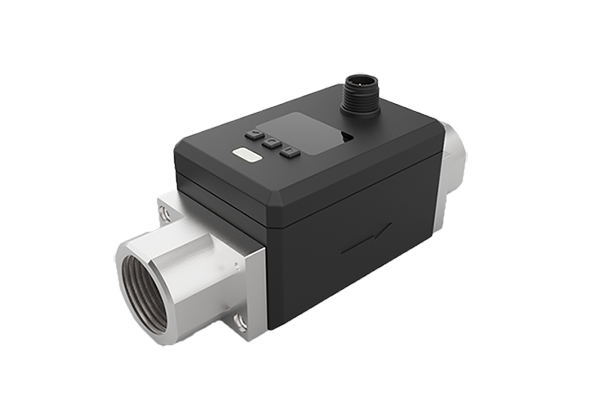
XY-TEK is a high-tech company specializing in the development, manufacturing, and sales of accurate and reliable ultrasonic flow sensors/flow meters. We specialize in flow rate measurement for small tubing and low flow rates in medical devices, bioprocessing, beverage and drink filling, industry automation, etc. XY-TEK also offers ultrasonic flow sensors, vortex flow meters, and bubble detectors OEM.
Common How to Questions for XY-TEK Ultrasonic Flow Sensors / Flow Meters
1. Why does the flow displayed in Flowviewer fluctuate around 0 when the liquid is stationary, instead of staying at 0?
Even when the liquid is completely stationary, the flow sensor may still output a small flow signal, which can be regarded as a noise disturbance and is also called zero drift. The fluctuation range depends on the flow sensor / flow meter model .For more details, please refer to the low-flow error range in the XY-TEK product manual.
2. How can zero calibration be configured?
CG/CM/CS/CPD/TPD/TGU series flow sensors / flow meters can all perform zero calibration via XY-TEK PC software, Flowviewer.
CG/CS/CPD/TPD/TGU series flow sensors can perform zero calibration via digital input (DI).
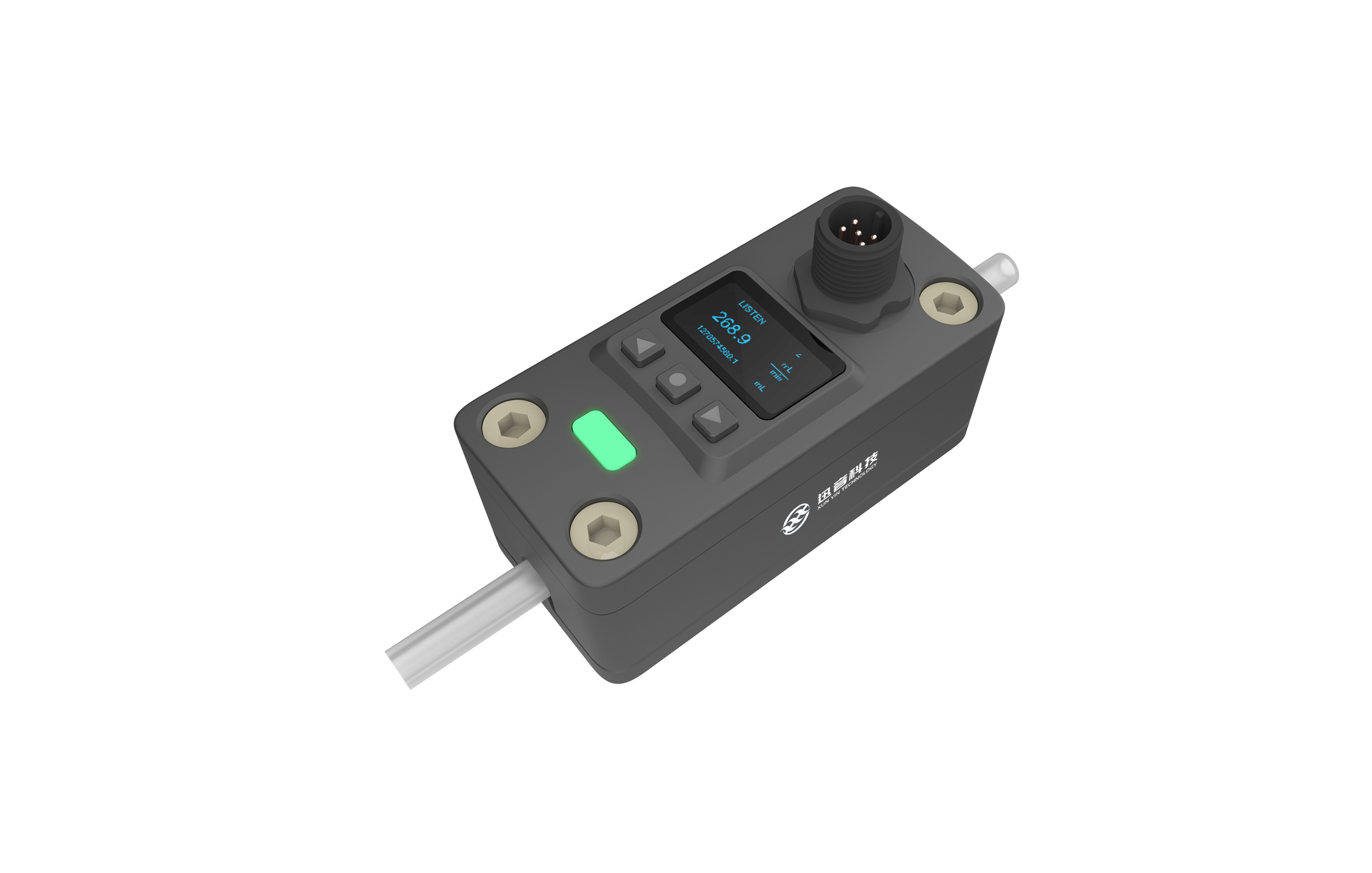
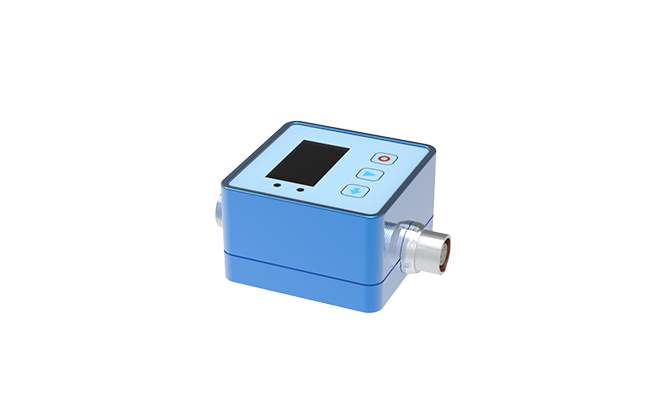
CPD/TGD series flow sensors / flow meters support zero calibration via the display keypad. 
Please refer to the CPD Display Operation Manual and TGD Display Operation Manual for details.
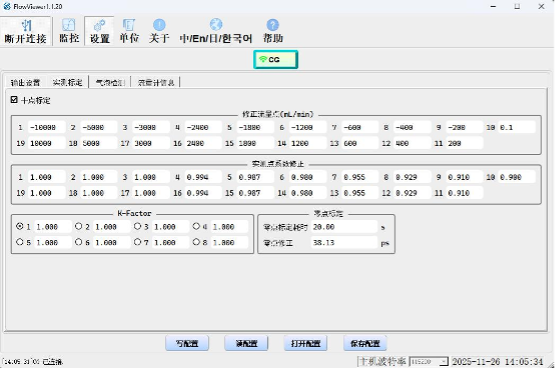
3. What do the flow points shown in the customer tool, the segment (piecewise) correction coefficients, and the eight different correction coefficients below represent?
XYTEK flow sensors / flow meters allow setting correction coefficients for 18 flow points.
In the Flowviewer software “Corrected flow points (mL/min)” table, enter the flow points to be calibrated. 
In the “Measured-point coefficient correction” table, enter the corresponding correction coefficients. 
Typically, the first row (No. 1–9) corresponds to flow points in the negative direction, ordered by decreasing absolute value, along with their correction coefficients. 
The second row (No. 18–10) corresponds to flow points in the positive direction, also ordered by decreasing absolute value, along with their segment (piecewise) correction coefficients. 
If the measured instantaneous flow falls between two flow points, the correction coefficient is obtained by interpolation using the coefficients of those two flow points. 
Segment correction coefficients are usually set to 1 by default; as the absolute flow decreases, the correction coefficient gradually decreases, but typically not below 0.7.
In the “K-Factor” table, the eight values represent eight K-Factor sets. Each K-Factor can be used for an overall adjustment of the measurement results. When there are different combinations of tubing type/liquid type/liquid temperature in an application, you can calibrate one combination, determine and assign its corresponding K-Factor, and then directly call that K-Factor the next time the same combination occurs—without recalibration. For example:
Combination 1: 1/4" OD, 1/8" ID silicone tubing, 23 °C, water → calibrated K-Factor = 1; set K-Factor #1 = 1.
Combination 2: 1/4" OD, 1/8" ID silicone tubing, 37 °C, 0.9% saline → calibrated K-Factor = 1.1; set K-Factor #2 = 1.1 for convenient reuse.
 
4. How to connect the power supply and signal readout cables to the flow sensor / flow meter?
Connect the power positive and negative leads according to the corresponding product manual, and then connect the signal lines as needed.
5. How to view flow rate data in real time?
Users can view the real time flow rate in 3 ways:
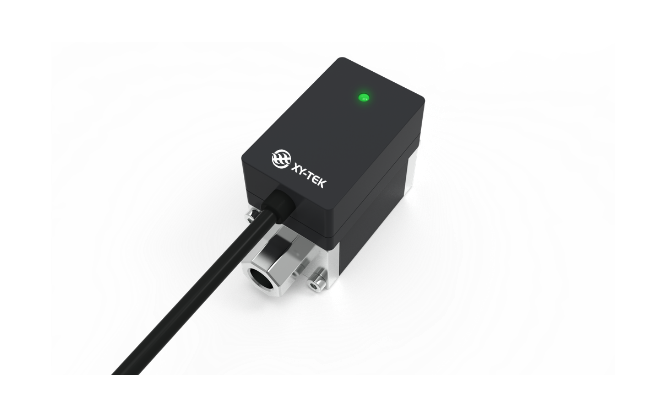
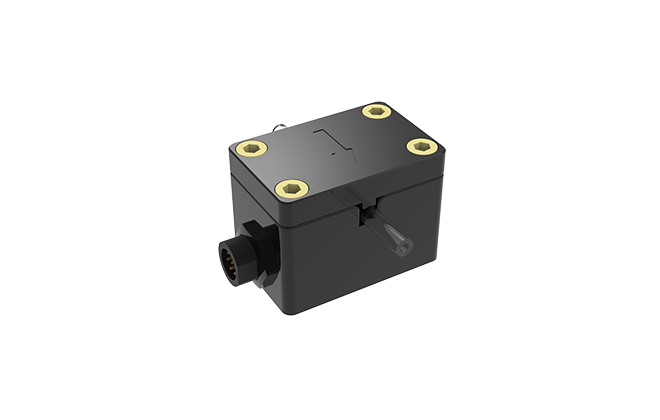
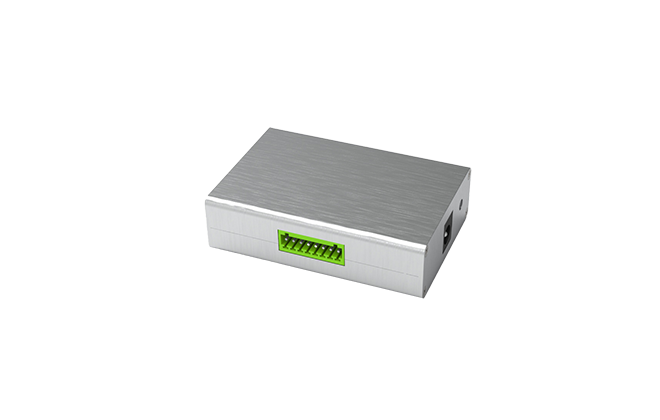
1) The CG/TGU/CS/CM series flow sensor have no display and can connect an external XY-TEK flow sensor monitor for flow rate data reading. The CPD series flow sensor / flow meter has a built-in display and can be viewed directly on the main screen.
2) Connect the flow sensor / flow meter to XY-TEK USB converter, then connect it to a computer and view the flow data / flow volume using XY-TEK Flowviewer PC software.
3) Connect the flow sensor / flow meter to a data acquisition card (DAQ) or PLC for viewing.
6. How to obtain the XY-TEK “Flowviewer” software?
Users can register on the XY-TEK official website https://www.xy-tek.cn/ to download the software and use instructions. Sales engineers will also send the software to customers who have purchased flow sensor products and assist with installation and use.


Hot Recommendation

Inquiry

Submit

Have questions or need assistance? Contact us-we're here help!

  • Your Name *
  • Company *
  • Your Email *
  • Phone Number(Optional)
  • Message *

All rights reserved © Shanghai Xunyin Technology Co., Ltd